


 Download
 Filesize | 1.6 MB
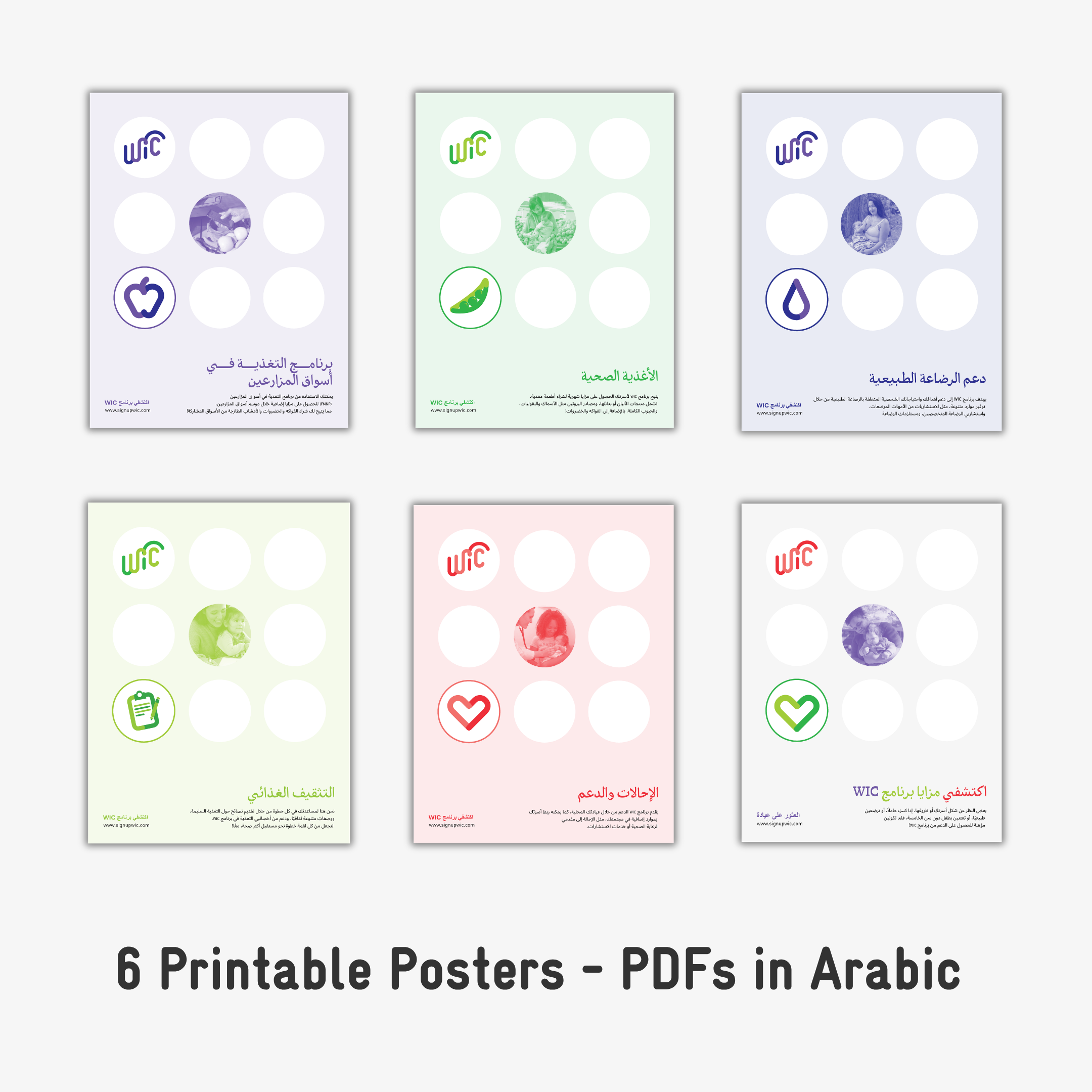
All of the Arabic posters are split between two PDF documents (6 posters in each PDF file) due to the large file size: one for office/standard printing and one with crop marks/bleeds for professional printing.
To separate the posters for individual printing, follow these steps:
If you have any questions of issues with the files, please contact Mariah at [email protected]
 Back to Resources